Agents
Using AgentReach with Claude Code and other agents through its skill
The route in brief
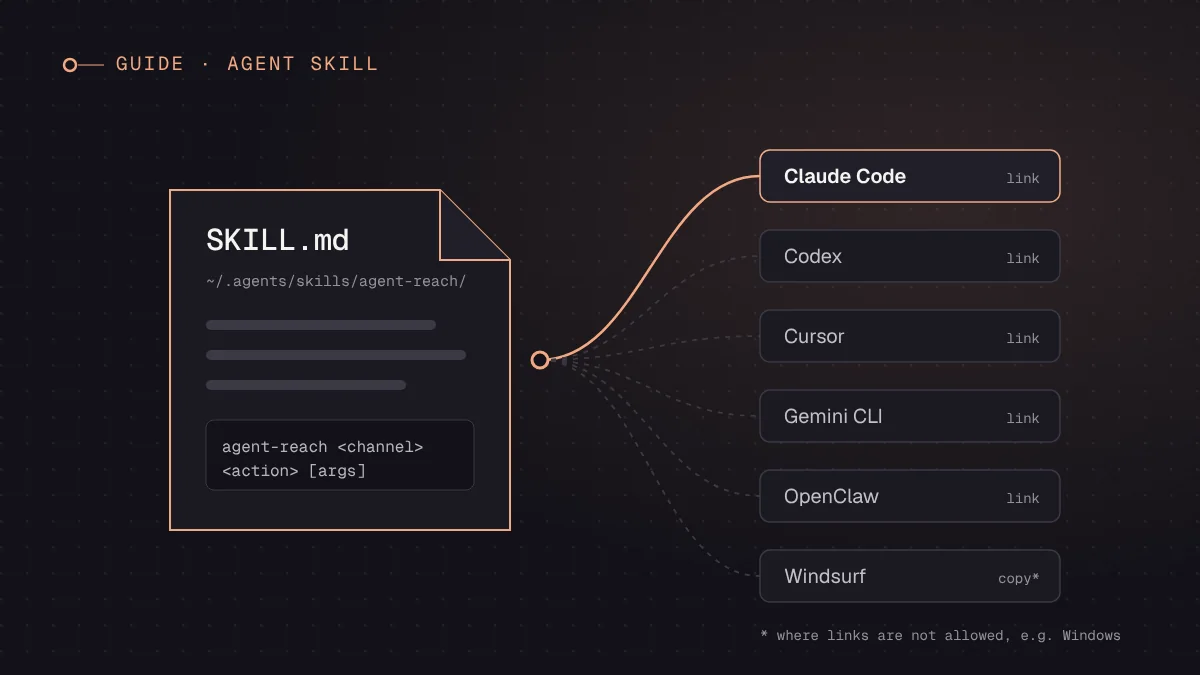
agent-reach setupwrites one realSKILL.mdto~/.agents/skills/agent-reach/.- It links that file into Claude Code’s skill folder, and into other agents it finds.
- Claude Code reads the skill and decides when to call
agent-reach. - For any agent not covered, run
agent-reach skill link <dir>.
AgentReach is a command-line program, but you rarely type its commands yourself. The intended user is your AI agent, and the bridge between the two is a skill file. This guide explains how that skill reaches Claude Code and other agents, what it actually instructs them to do, and how to fix things when an agent doesn’t seem to know AgentReach exists.
What a skill is, in this context
Many coding agents, Claude Code among them, load “skills”: folders containing a SKILL.md file that describes when a capability is relevant and how to use it. The agent reads the short description up front and pulls in the full instructions only when a task matches.
AgentReach ships its own skill. Its description tells the agent to use AgentReach when you mention or paste a link from Xiaohongshu, Bilibili, X, Reddit, YouTube, GitHub, V2EX, Xueqiu, LinkedIn or BOSS jobs, Instagram, Facebook or Xiaoyuzhou, or when the agent’s own search or fetch tools fail or miss the body of a page.
Where the skill file lives
Setup places exactly one real copy at:
~/.agents/skills/agent-reach/SKILL.mdSome agents read that shared folder directly. According to the project, those are Codex, OpenCode, Cline, Warp and Zed.
For other agents, setup creates a link to the real file inside their own skill folder, when the agent is installed. The 1.6 changelog lists Claude Code, OpenClaw, Hermes, Cursor, Gemini CLI, GitHub Copilot and Windsurf. On systems where links aren’t allowed, such as many Windows setups, a copy is made instead and refreshed when needed.
One real file with links pointing at it means an update only has to refresh one place. Every agent sees the new instructions immediately.
Using AgentReach from Claude Code
If Claude Code was installed when you ran agent-reach setup, there is nothing extra to do. Start a session and ask for something that needs AgentReach, for example:
- “Read this Reddit thread and summarise the main objections.”
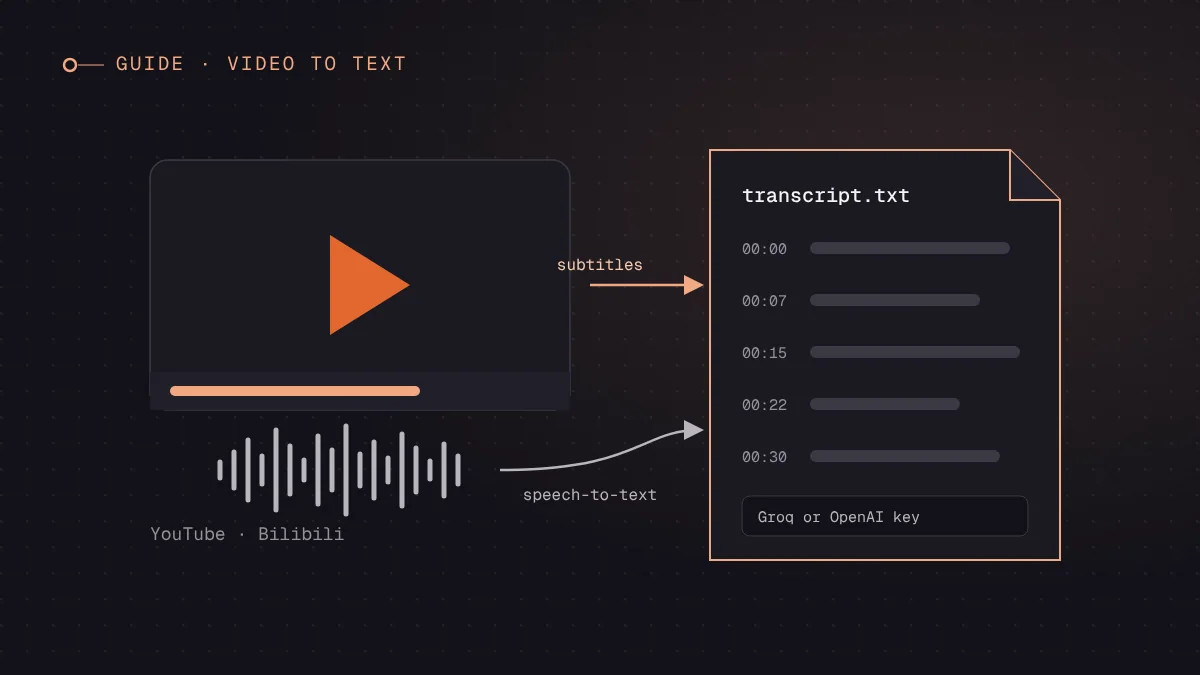
- “Pull the subtitles from this YouTube video and list the key claims.”
- “What are people saying about this library in its GitHub issues?”
The skill asks the agent to say “using the agent-reach skill (channel X)” before acting, so you can see when it kicks in. Claude Code still needs permission to run shell commands; approve the agent-reach calls when prompted, or allow them in your settings.
Installed Claude Code after AgentReach?
Run setup again, or link the skill by hand:
agent-reach skill link <path to Claude Code's skills folder>agent-reach skill on its own shows where the real copy is and which links exist.
What the skill tells your agent
The skill is more than a list of commands. Three rules are worth knowing because they explain the behaviour you will see.
Built-in tools first
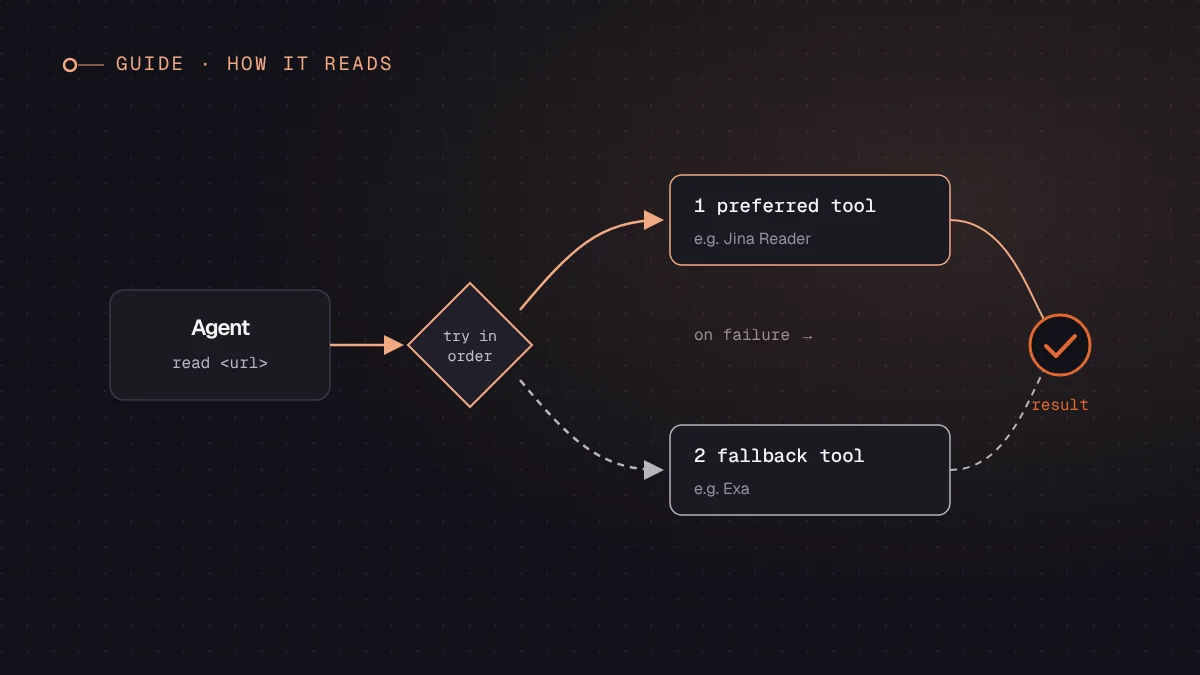
For public content, the skill tells the agent to use its own search and fetch tools first, optionally with site: filters. AgentReach is meant to fill gaps, not replace tools that already work. If Claude Code answers a question without calling AgentReach, that is expected.
Links identify sources; they don’t trigger installs
Mentioning a platform or pasting a link never makes the agent install a channel or start a login by itself. Optional channels are added when you ask.
Be precise about what was retrieved
Snippets, page shells, comment counts and subtitle track lists are not the body text, comments or subtitles themselves. The skill asks the agent to say which of those it actually has, and to still deliver public results if you skip a login.
The commands your agent will run
agent-reach channels                      # actions and parameters per channel
agent-reach <channel> <action> [args]     # e.g. agent-reach bilibili search "rust async" --limit 5
agent-reach read <url>                    # picks the channel from the link
Every call returns one JSON object. On success, results sit in items, each with title, url, author, published_at and text. On failure, the agent branches on error.code and follows error.hint. Our error codes guide lists them all, and how AgentReach reads platforms explains what happens between the call and the result.
Giving another agent access
You can also just tell your agent “let my other AI use it too”, and AgentReach gives that agent its own copy of the instructions. For any tool that reads skills from a folder, agent-reach skill link <dir> does the same job directly.
When the skill isn’t picked up
- Run
agent-reach skillto confirm the real file exists and see which links were made. - Restart the agent. Many agents read skills only at the start of a session.
- On Windows, check whether a copy rather than a link was created, and rerun setup after an update if the copy looks stale.
- Make sure the agent has permission to run terminal commands; a skill it cannot act on looks the same as a missing one.
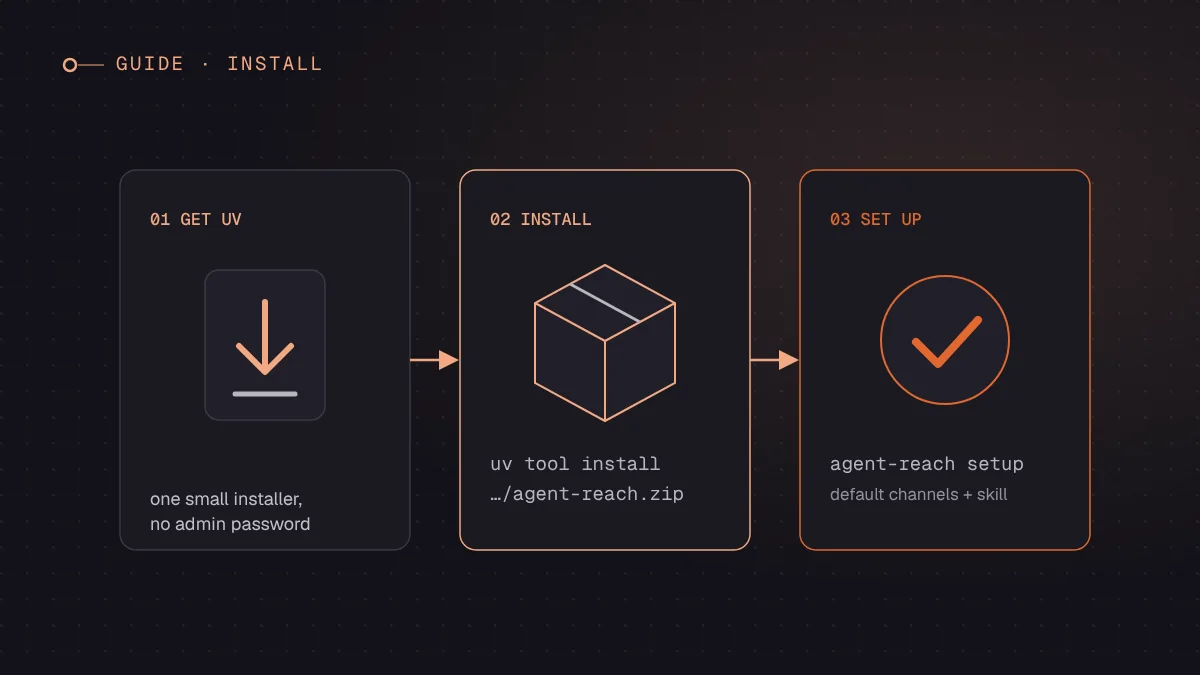
New to AgentReach? Start with the installation guide, or get the 1.6.0 archive from the download section.