Source
Agent-Reach on GitHub: the real repository, releases and the PyPI name clash
The route in brief
- The project lives at github.com/Panniantong/Agent-Reach, under the MIT license.
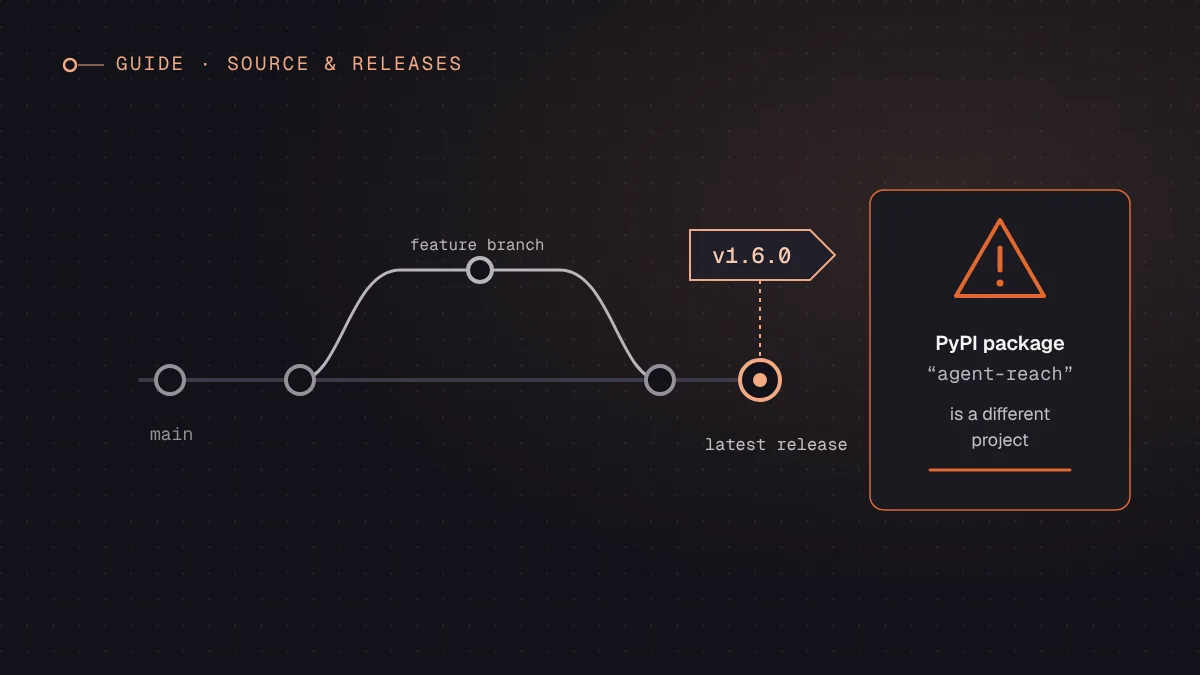
- Installs use the “latest release” download URL; rollbacks use a version tag.
- The PyPI package named
agent-reachis a different project. - Bugs and feature requests go to the repository’s Issues page.
A lot of people search for “Agent-Reach GitHub” because they want to check the source before running anything, find a specific release, or report a bug. This guide explains how the repository is organised, how its releases relate to the install commands you see everywhere, and the one naming trap that catches people out.
Where the project lives
Agent Reach is developed in the open on GitHub at github.com/Panniantong/Agent-Reach. The project is MIT-licensed, written in Python and requires Python 3.10 or newer. The repository README is in Chinese, with an English version in docs/README_en.md.
This site, agentreach.net, is an independent guide and isn’t affiliated with the project’s authors. Our disclaimer covers this.
What’s in the repository
The top level is small and readable. The parts you are most likely to look at:
| Path | What it holds |
|---|---|
agent_reach/ | The program itself: the CLI, one module per channel under channels/, backends, and the bundled agent skill under skill/. |
docs/install.md | The install and update guide, written for an AI agent to follow. This is the file people paste to their agent. |
docs/troubleshooting.md | Error codes, doctor statuses, proxies and rollback steps. |
CHANGELOG.md | Release notes in Chinese and English. |
SECURITY.md | How to report security issues. |
pyproject.toml | Package metadata: name, version, dependencies and the agent-reach entry point. |
Reading agent_reach/skill/SKILL_en.md is a quick way to understand what your agent will be told, and the channel modules show which upstream tool each platform depends on.
Releases and tags
Each version is published as a GitHub release. The install command everyone uses points at a special URL that always resolves to the newest release:
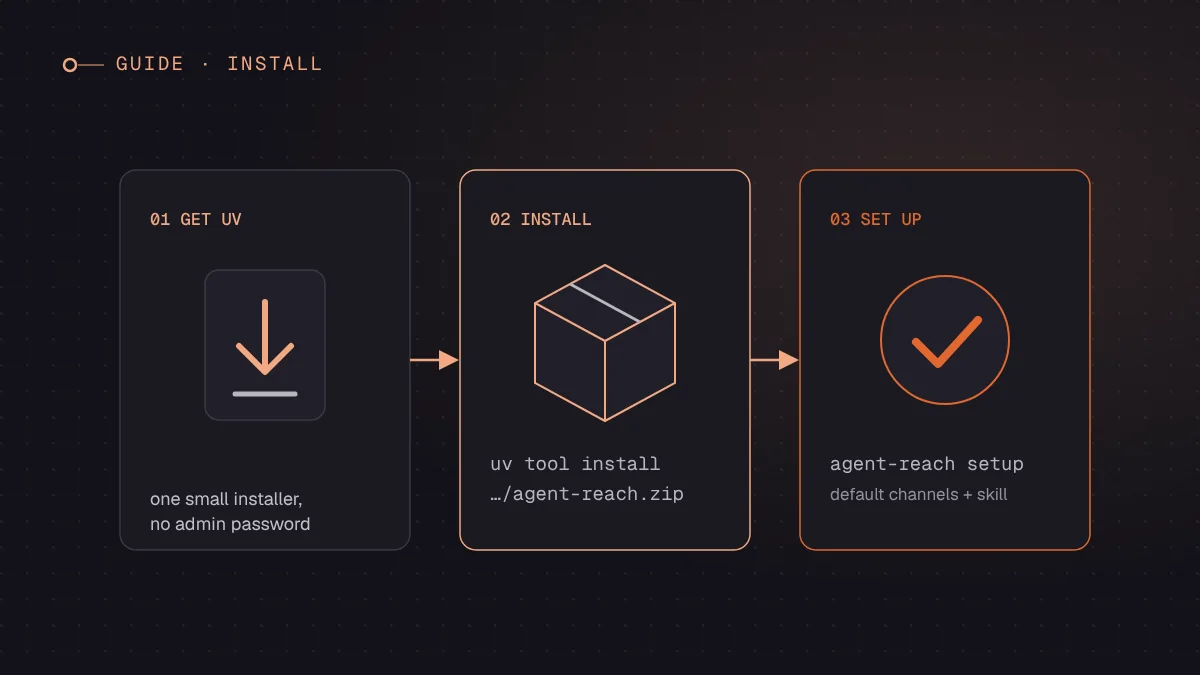
uv tool install https://github.com/Panniantong/Agent-Reach/releases/latest/download/agent-reach.zipBecause of that, running the same command later also upgrades you. If you need a specific older version, for instance after a regression, the troubleshooting guide uses the tagged source archive:
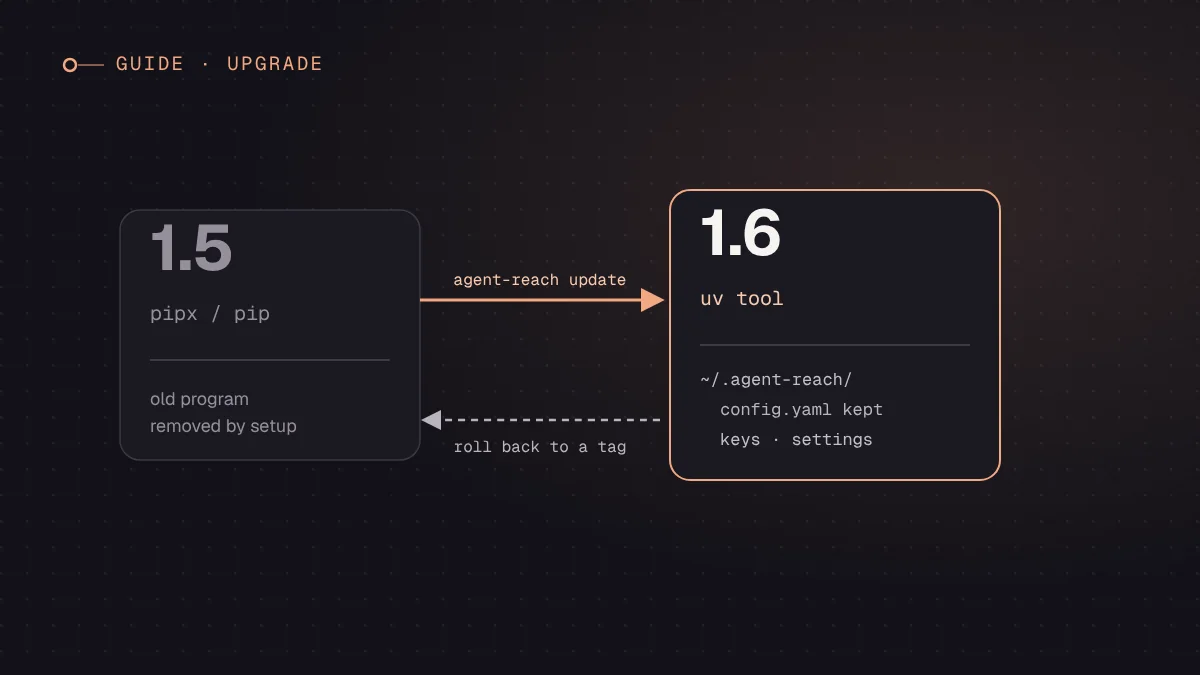
uv tool install --force https://github.com/Panniantong/Agent-Reach/archive/refs/tags/v<previous>.zip
agent-reach update --sync-only
The second command lines up the channel tools and the skill with the version you just installed. Our upgrade and rollback guide walks through it.
The archive on this site
The file behind our Download button is the v1.6.0 source code archive, served by a SourceForge mirror of the GitHub project. It contains the same folders described above. You can read through it before installing, then install from the extracted folder with uv tool install ..
The PyPI name clash
This is the single most important thing to know. There is a package on PyPI called agent-reach, and it is not this project. The official install guide states it plainly and tells agents never to install from PyPI.
If a tutorial tells you to run pip install agent-reach, it is pointing you at the wrong software. Use the GitHub release URL with uv instead.
Version 1.5 and earlier were installed with pipx or pip from the repository, which is partly why older instructions still mention pip. From 1.6, uv is the supported installer.
Avoiding look-alikes
Popular open-source projects attract impersonators. Two points from the project’s own README are worth repeating:
- Agent Reach has no official token, coin, investment product, fee-claim program or wallet connection. Any crypto project using its name, GitHub URL or author identity is not affiliated.
- Install URLs should point at
github.com/Panniantong/Agent-Reach. If a link points somewhere else and claims to be official, treat it with suspicion.
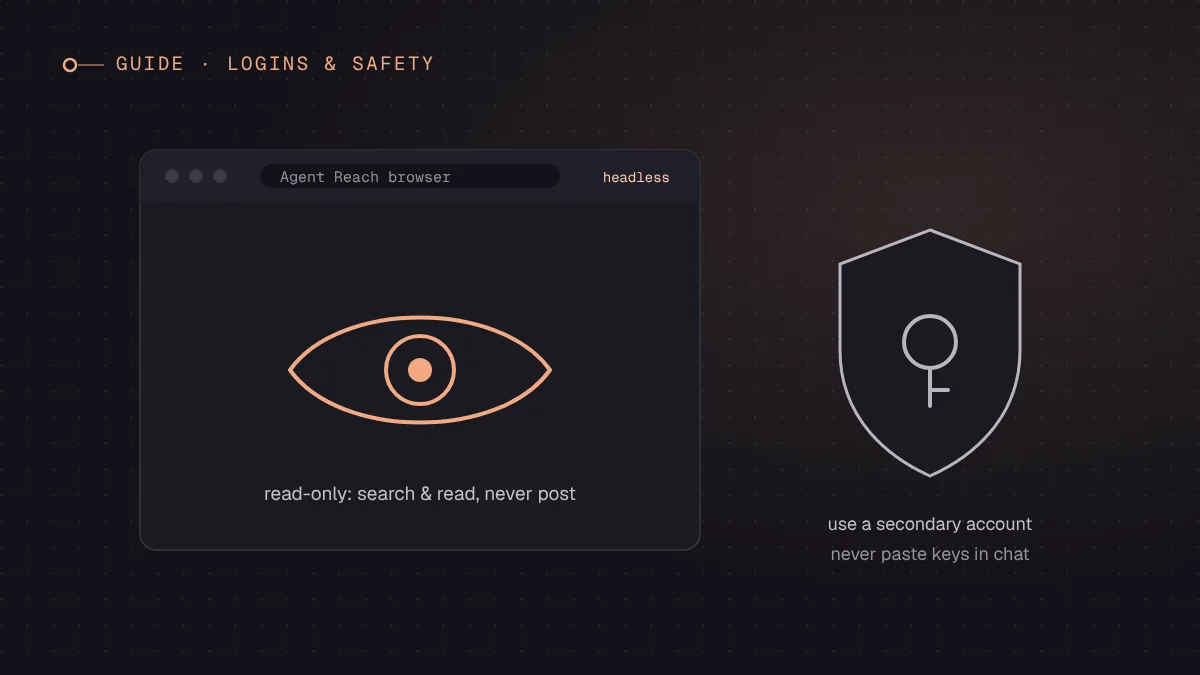
Our logins and safety guide covers how to protect the accounts AgentReach reads from.
Reporting a bug or requesting a platform
The maintainer asks for bug reports and feature requests through GitHub Issues, where they are easier to track. A useful report includes:
- the output of
agent-reach doctor --text, which starts with your version; - the output of
agent-reach check <channel> --textfor the channel that fails; - the exact error code and message, with any personal data removed.
Before filing, try agent-reach update, since many “broken channel” problems are an upstream tool that has already been fixed. The troubleshooting guide explains what each code means.
Contributing
The repository includes a CONTRIBUTING.md and a test suite. The project describes each platform as an ordered list of tools, so contributions often mean adding or reordering a backend rather than rewriting a channel. How AgentReach reads platforms explains that design.