Safety
How AgentReach handles logins, and how to keep your accounts safe
The route in brief
- Login channels run in AgentReach’s own background browser, not in yours.
- You always sign in yourself; AgentReach never asks for passwords.
- Use a secondary account, because platforms may restrict automated accounts.
- Enter API keys in your terminal, and use logout or remove to clear a login.
Giving an AI agent access to platforms you are signed into deserves some thought. AgentReach was designed with that in mind: it is read-only, it never handles your passwords, and its logins live apart from your everyday browser. This guide explains how those pieces work and the few habits that keep your accounts out of trouble.
What AgentReach will and won’t do
The project’s security notes are short and specific:
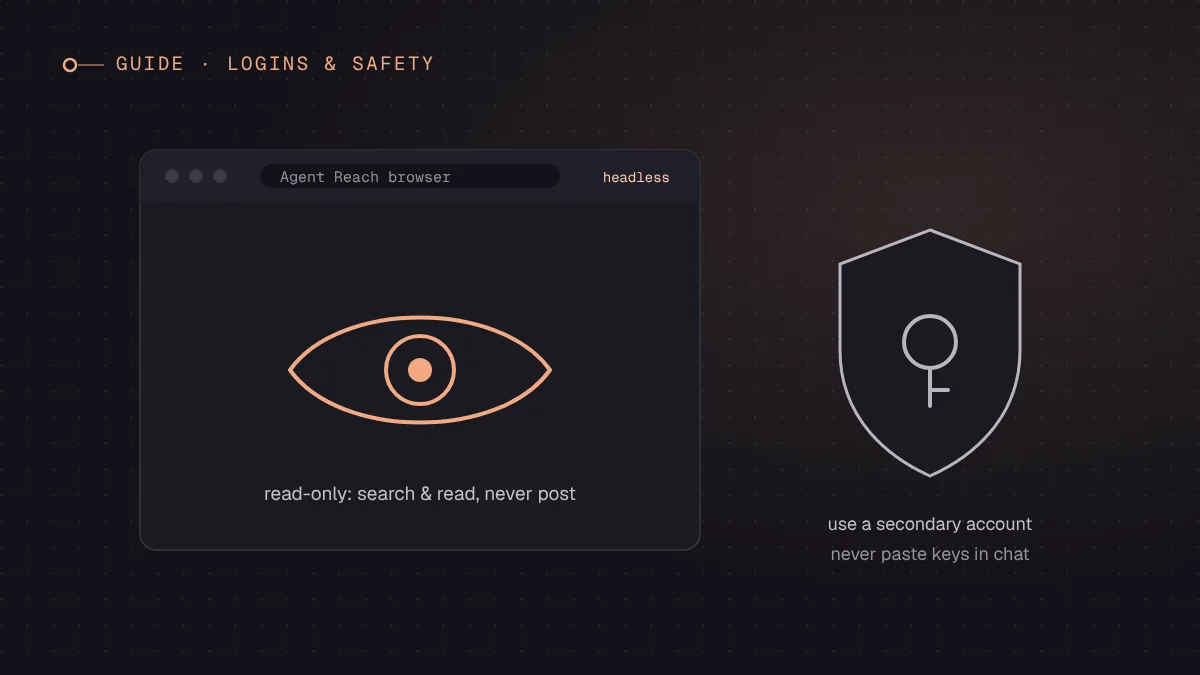
- Read-only. It searches and reads. It never posts, comments, likes or sends messages.
- No passwords. It never logs in for you and never asks for a password.
- Local-only browser. The dedicated browser is open to your computer only; other machines can’t connect to it.
That covers the software’s behaviour. What it can’t control is how platforms react to automated access, which is where your choices matter.
How the dedicated browser works
Channels that need a login, such as XiaoHongShu, X, Reddit and Instagram, run in a browser that belongs to AgentReach. Since 1.6 this browser runs headless, in the background with no windows, and never takes over the browser you use day to day.
- It opens by itself when a channel needs it.
- It closes after ten minutes without use and reopens on demand.
- Browser channels share one profile, and several agents can search at once: up to two queries per platform and four in total, with the rest queued.
The dedicated browser identifies itself by an ID its extension stores in its own profile, so your personal Chrome is never mistaken for it.
Login reuse
Some platforms can reuse a login that already exists on your computer. When that happens it is limited to the one site being used, the site’s cookies are copied read-only, and the source browser is left unchanged. For other channels, or when a login has expired, AgentReach opens a visible login window and you sign in yourself:
agent-reach login <channel>A few platforms have their own login methods. Bilibili subtitles use a QR scan, for example. The troubleshooting docs also note that a saved login state isn’t proof you are authenticated; agent-reach check <channel> --search verifies it.
Use a secondary account
This is the most important habit. A reused login is usually your main account, and platforms may restrict or flag accounts that are used for automation. The project recommends switching to a secondary account for login channels.
To switch, tell your agent “switch accounts”, or log out and back in:
agent-reach logout <channel>
agent-reach login <channel>
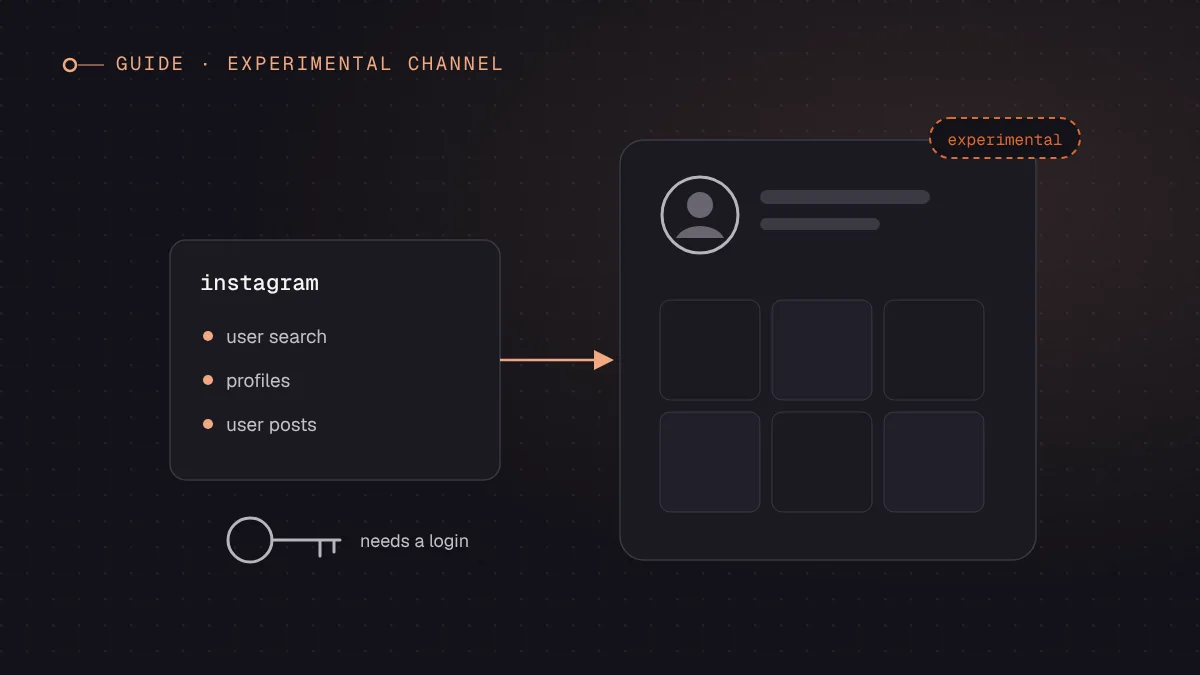
Experimental channels (X, Facebook and Instagram) face the strongest anti-automation measures. If you only add one secondary account, add it there first. See our Instagram channel guide.
Respect rate limits
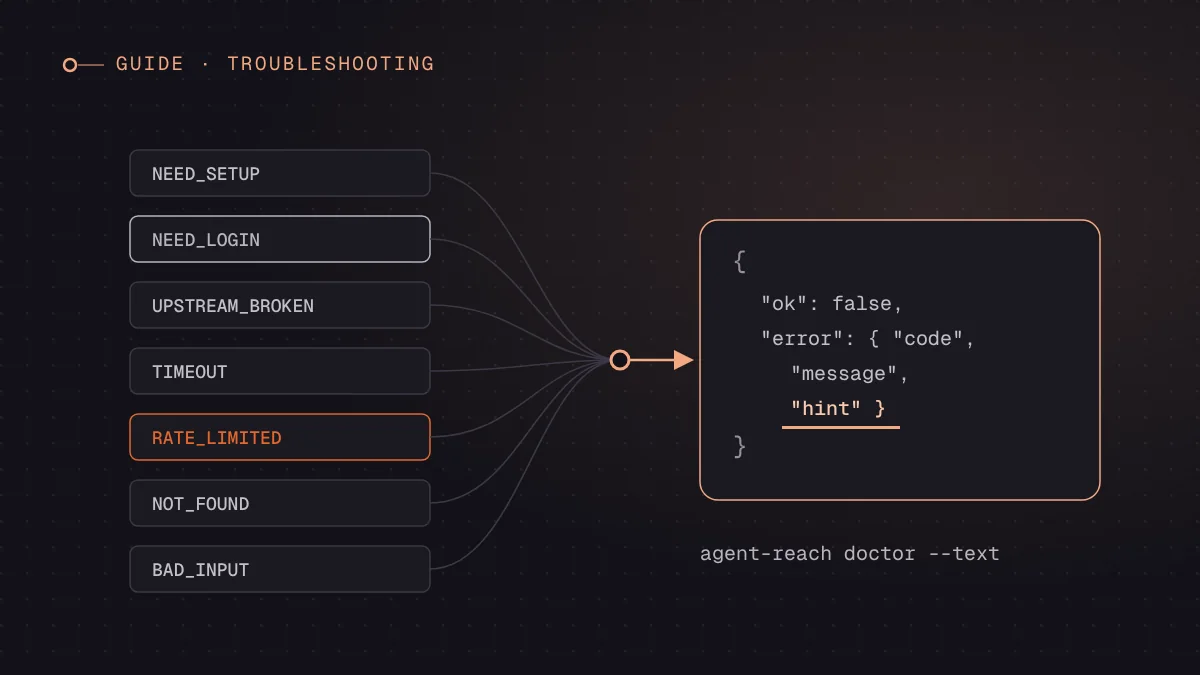
When a platform throttles you, AgentReach returns RATE_LIMITED with a retry_after_seconds value. Wait it out. Rotating accounts or backends to keep requesting is exactly the behaviour that gets accounts restricted, and the project’s guidance tells agents not to do it.
Handling API keys
A few features need keys: a Groq or OpenAI key for YouTube speech-to-text, and a Groq key for Xiaoyuzhou transcription. The rule is simple: never paste a key into a chat with your agent. Chats can be logged, synced or shared. Enter keys in your own terminal instead:
agent-reach configure groq-keyThe same goes for a proxy address that contains credentials; agent-reach configure proxy asks for it with hidden input.
Where your data lives
Everything AgentReach stores is under one folder, ~/.agent-reach/: CLI tool sessions in sessions/, the dedicated browser’s profile, settings in config.yaml, and the channel tools themselves. Keeping it in one place makes it easy to see and easy to remove.
Clearing a login or a whole channel
agent-reach logout <channel>clears that site’s login.agent-reach remove <channel>turns the channel off and deletes its login keys, its cookies in AgentReach’s browser and private tools no other channel uses.agent-reach uninstalllists everything it would remove first, and only touches what AgentReach installed.
Beyond the software
Two more points from the project are worth keeping in mind. First, Agent Reach has no token, coin or wallet connection; anything using its name to ask for one is not affiliated. Second, the only trustworthy install source is the GitHub repository, not the unrelated PyPI package of the same name, as our GitHub guide explains.
Finally, reading platforms through automation may be limited by their terms of service. AgentReach is a capable tool; whether a particular use is appropriate is your call. Our piece on whether AgentReach is a scraper goes into that, and the troubleshooting guide covers login errors in detail.