Channels
The AgentReach Instagram channel: what it reads and why it is experimental
The route in brief
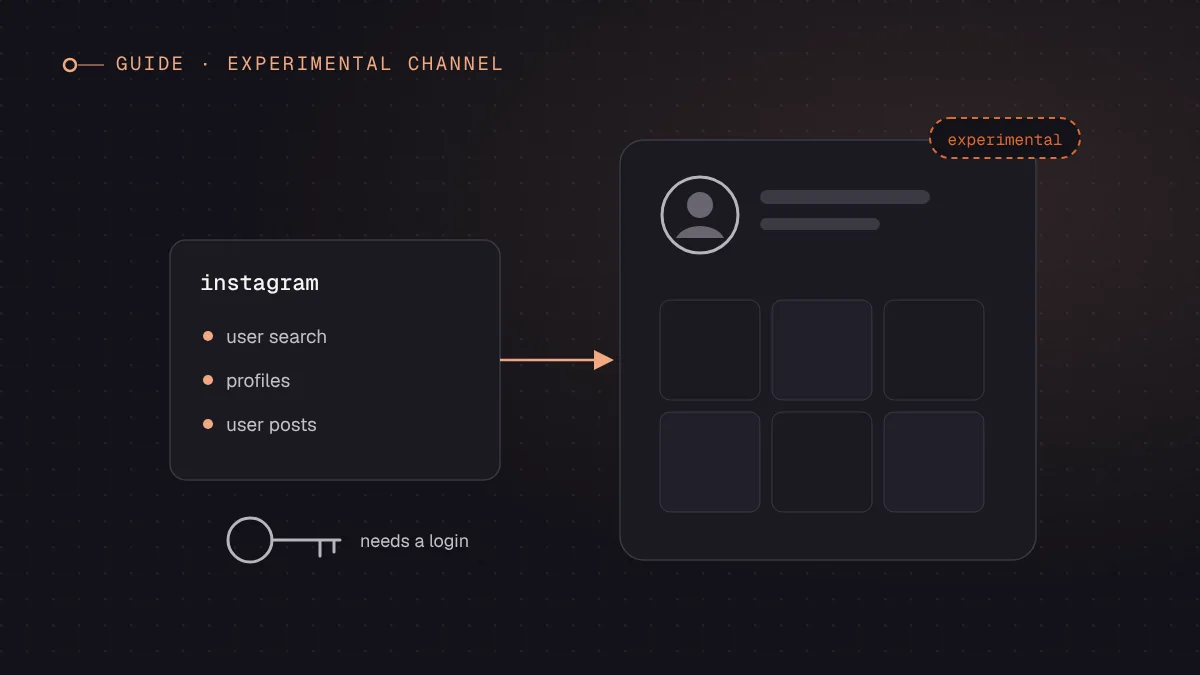
- The Instagram channel supports user search, profiles and user posts.
- It is experimental and needs a login; add it with
agent-reach add instagram. - Sign in yourself in AgentReach’s login window, ideally with a secondary account.
- Expect rate limits and occasional breakage; read the error hint when it happens.
“Agent Reach Instagram” is a common search, usually from people who want their AI agent to look at public profiles or recent posts. AgentReach does have an Instagram channel, but it sits in the experimental tier for good reasons. This guide covers what it can read, how to switch it on, and how to use it without putting your account at risk.
What the channel can do
According to the project’s channel table for 1.6, the Instagram channel supports three actions:
- User search: find accounts by name or keyword.
- Profiles: read the public details of an account.
- User posts: list the posts from a given account.
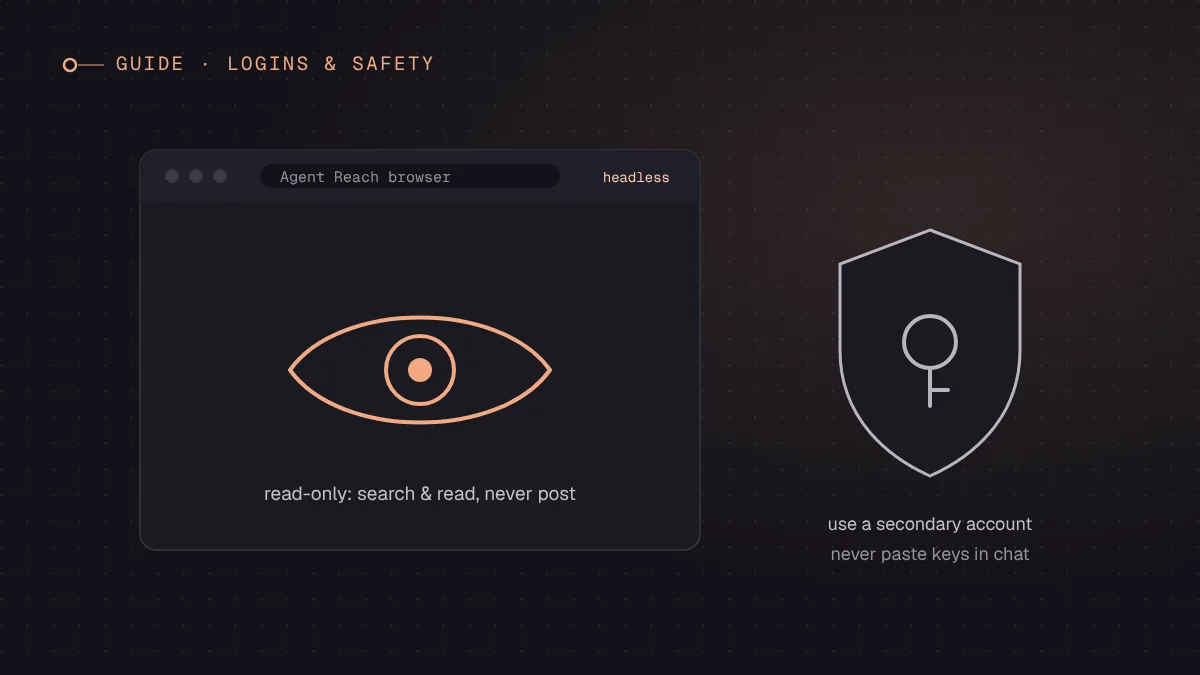
It is read-only like every AgentReach channel. It does not post, like, comment, follow or send messages. Run agent-reach channels to see the exact actions and parameters your installed version exposes.
Why it’s experimental
AgentReach sorts channels into three levels. Default channels work right after install. Optional channels are switched on when you ask. Experimental channels “work, but the platform fights automation harder and it can break at any time.” In 1.6 that last group is X (Twitter), Facebook and Instagram.
The 1.6 changelog is candid about this: Instagram was one of the actions that could not be verified on the release machine because of rate limiting, and it shipped with the maintainer’s approval regardless. So treat it as useful when it works, not as something to build a critical workflow on.
Turning it on
Ask your agent to “add Instagram”, or run:
agent-reach add instagramAdding a channel installs what it needs privately under ~/.agent-reach/, with no admin password. For browser-based channels that includes AgentReach’s dedicated browser. Your part is the login.
Logging in
Instagram requires a login. AgentReach never logs in for you and never asks for your password. When a sign-in is needed, run:
agent-reach login instagramA login window opens in AgentReach’s own browser and you sign in there yourself. After that, queries run headless in the background. If your login expires later, the channel reports NEED_LOGIN and you repeat this step.
Protect your account
Platforms may restrict accounts used for automation, and Instagram is known for being strict. The project recommends using a secondary account rather than your main one. A few practical habits help:
- Log in with a dedicated account you would not mind having temporarily limited.
- Keep requests modest. Ask for what you need rather than sweeping large numbers of profiles.
- When you hit
RATE_LIMITED, wait for theretry_after_secondsthe error gives you. Don’t switch accounts or backends to keep going; the troubleshooting guide is explicit about that. - To switch accounts, run
agent-reach logout instagramand log in again, or simply tell your agent “switch accounts”.
Our logins and account safety guide explains how the dedicated browser and login reuse work across all channels.
Asking your agent for Instagram data
Once the channel is ready, plain requests work best. For example:
- “Find the Instagram account for this design studio and summarise its profile.”
- “List the latest posts from this account and note which topics come up most.”
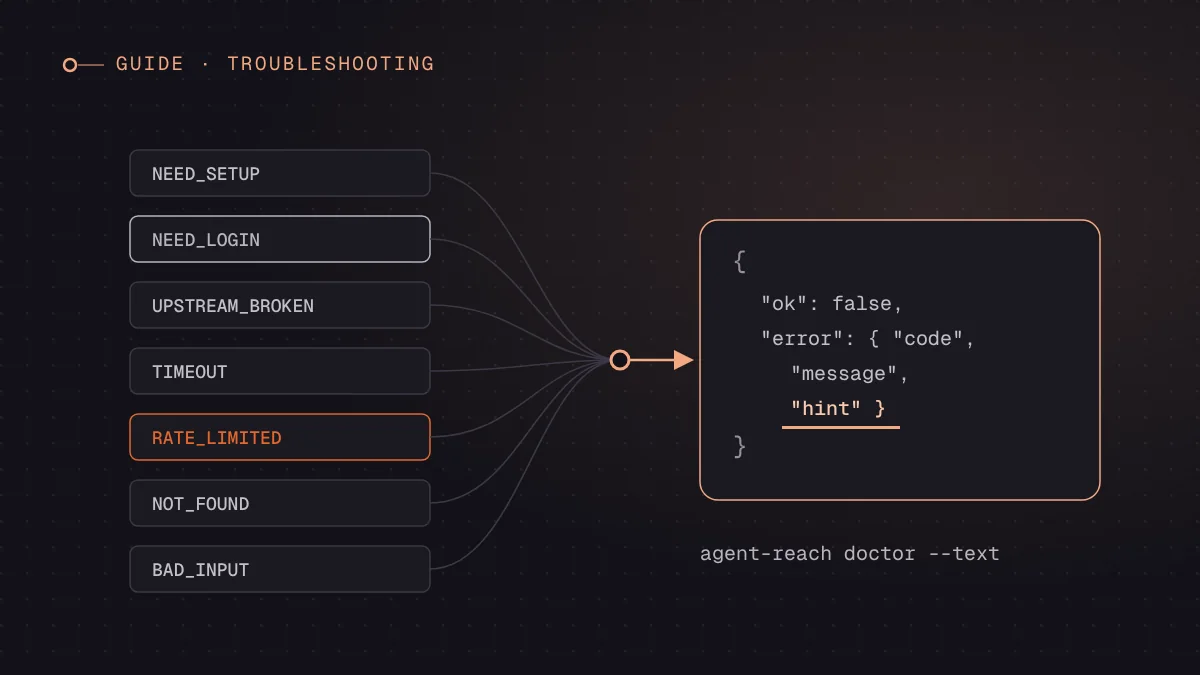
Results come back as JSON items with fields such as title, URL, author, date and text, which your agent can summarise or compare. If the channel fails, the agent gets an error code and a hint rather than a vague failure.
When it stops working
| Error | What it means here | What to do |
|---|---|---|
NEED_LOGIN | No login, or it expired | agent-reach login instagram and sign in yourself |
RATE_LIMITED | Instagram is throttling requests | Wait for retry_after_seconds |
UPSTREAM_BROKEN | The platform or tool changed | Try later, run agent-reach update, then agent-reach check instagram --text |
NOT_FOUND | The account doesn’t exist or isn’t visible | Check the username |
The full list is in our error codes guide. If a channel keeps failing after an update, removing and re-adding it (agent-reach remove instagram, then add) clears its login and private tools and starts fresh.
Responsible use
Reading Instagram through automation may be restricted by its terms, even for public content. AgentReach gives you the capability; deciding whether a given use is appropriate is up to you. Our article on whether AgentReach is a scraper discusses where that responsibility sits.
Haven’t installed AgentReach yet? The install guide takes a few minutes, and the source archive is in the download section.