AgentReach guides
AgentReach guides: install, connect, read and fix
Nine practical walkthroughs, each built around one task. Every guide opens with a short step summary so you can see the route before you start.
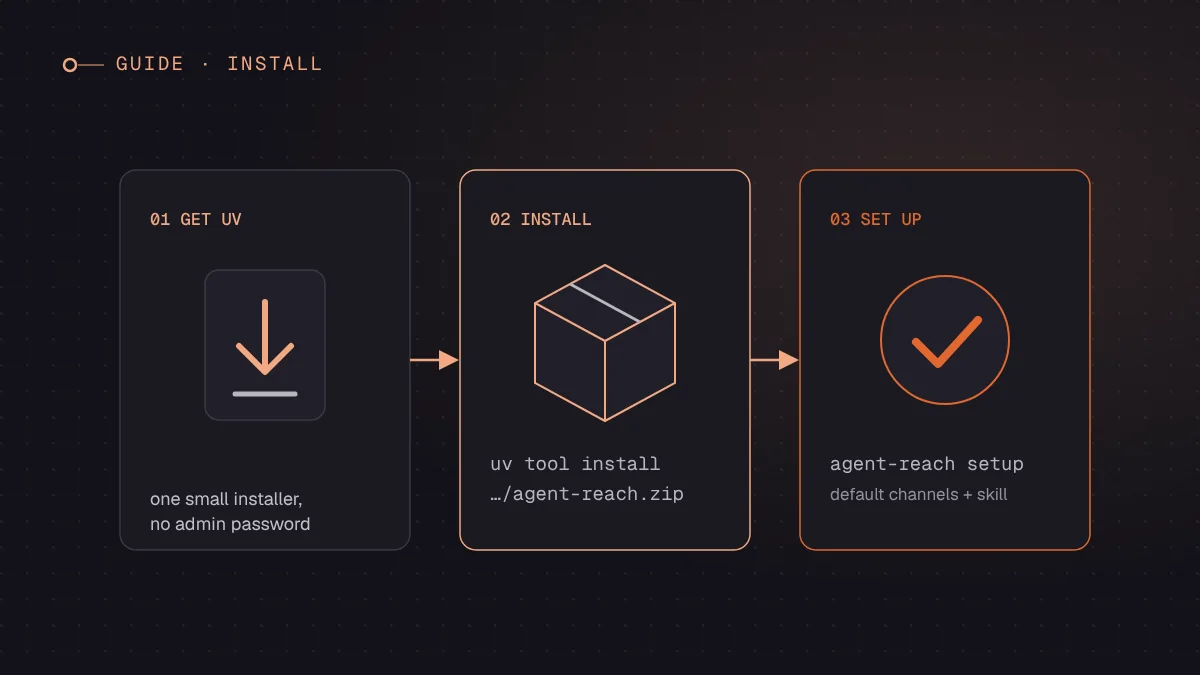
How to install AgentReach 1.6 on Windows, macOS and Linux
Install uv, pull the latest release, run setup and confirm what works, with the exact commands for each system.
- Get uv
- Install
- Setup
- Doctor
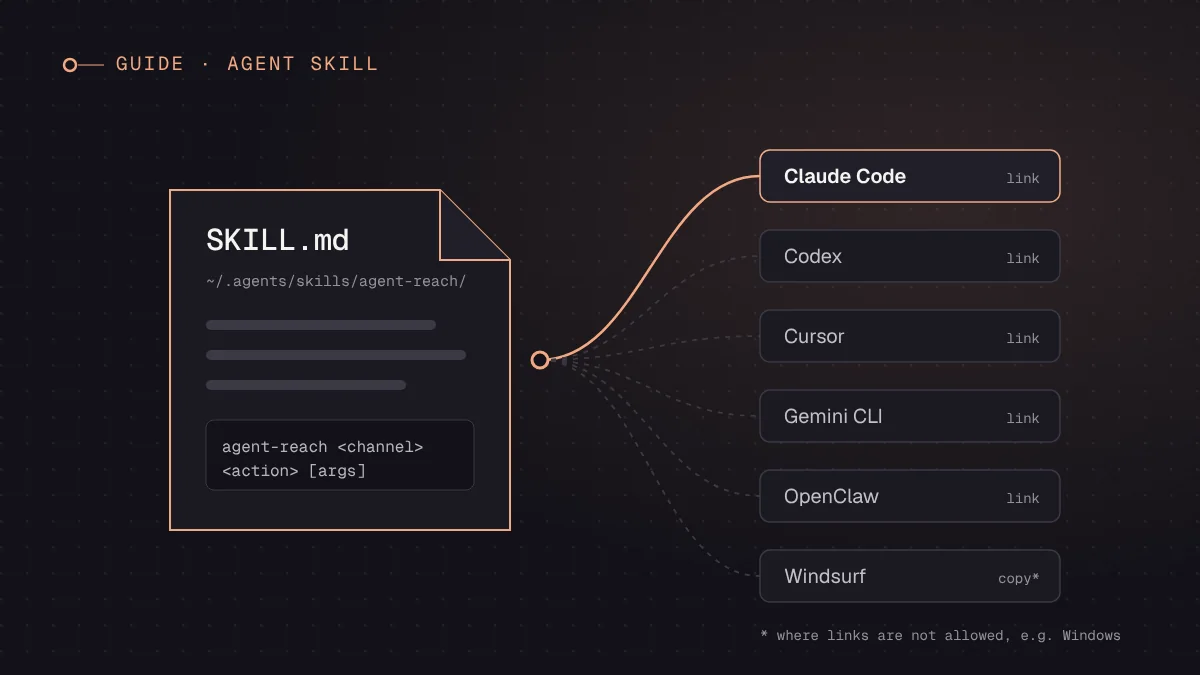
Using AgentReach with Claude Code and other agents through its skill
Where SKILL.md lives, which agents get it automatically, and what the skill actually tells Claude Code to do.
- Setup places skill
- Agent reads it
- Calls agent-reach
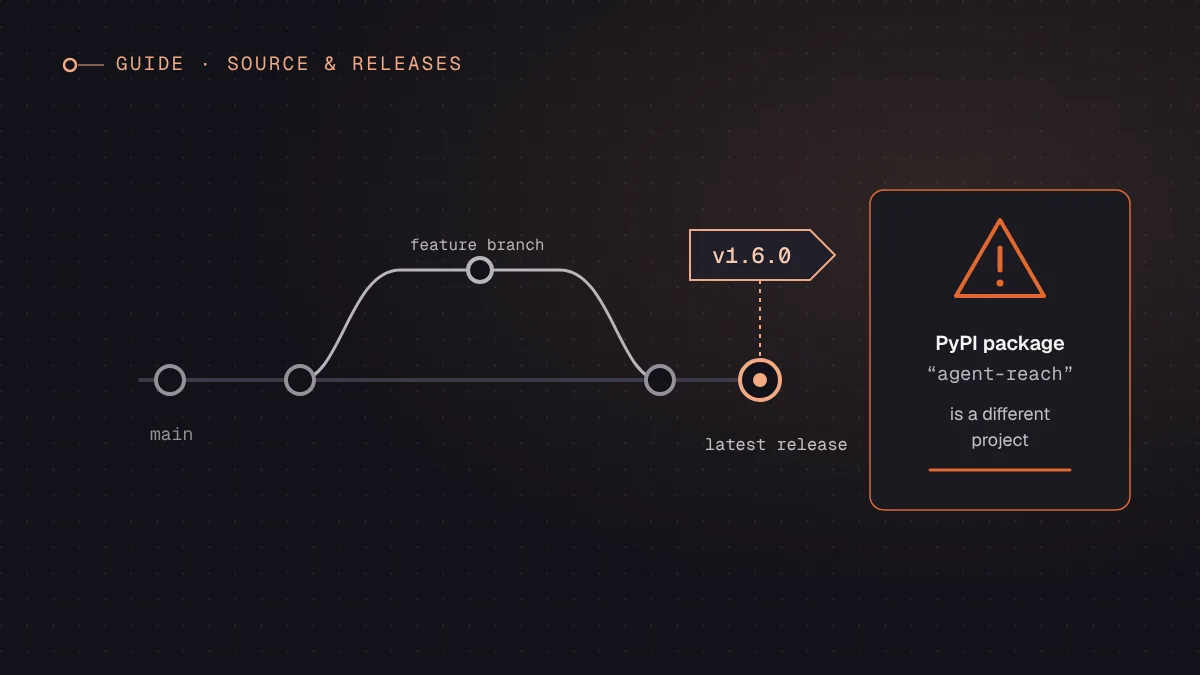
Agent-Reach on GitHub: the real repository, releases and the PyPI name clash
Repository layout, release tags, the source archive on this site, and the PyPI package you should not install.
- Find the repo
- Pick a release
- Avoid PyPI
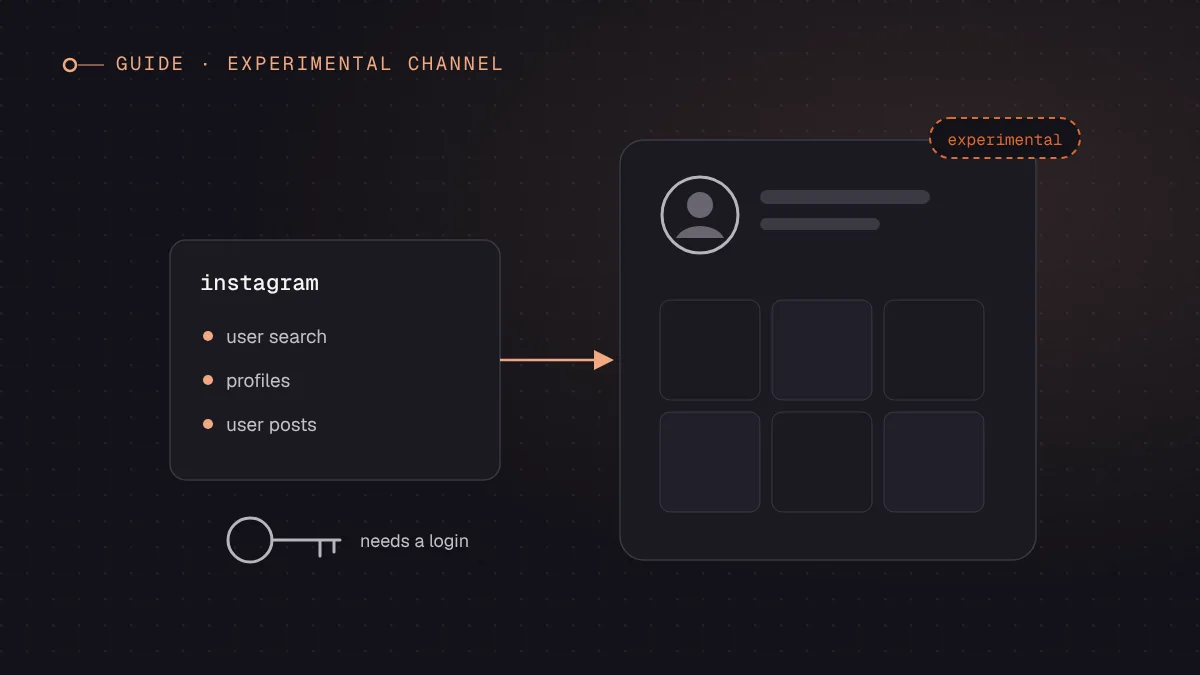
The AgentReach Instagram channel: what it reads and why it is experimental
User search, profiles and posts: how to switch the Instagram channel on and what “experimental” means in practice.
- Add channel
- Log in yourself
- Read profiles
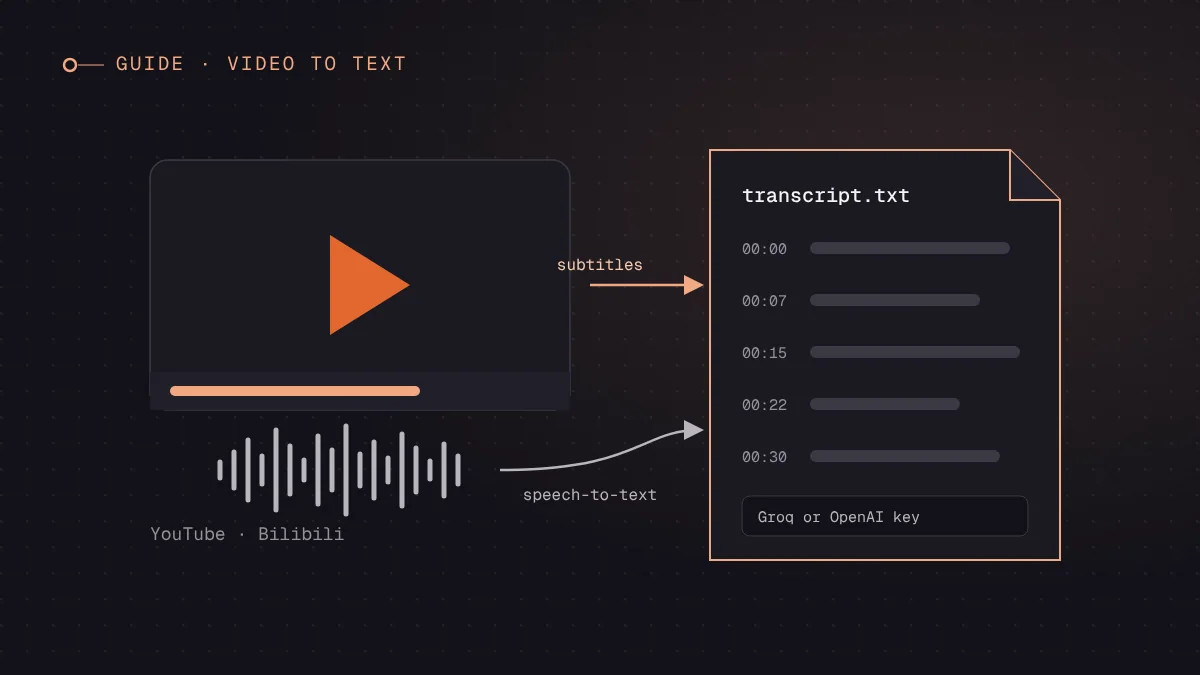
Reading YouTube and Bilibili subtitles with AgentReach, plus speech-to-text
Subtitles first, transcription when there are none: the YouTube, Bilibili and Xiaoyuzhou paths explained.
- Subtitles
- Or transcribe
- Agent summarises
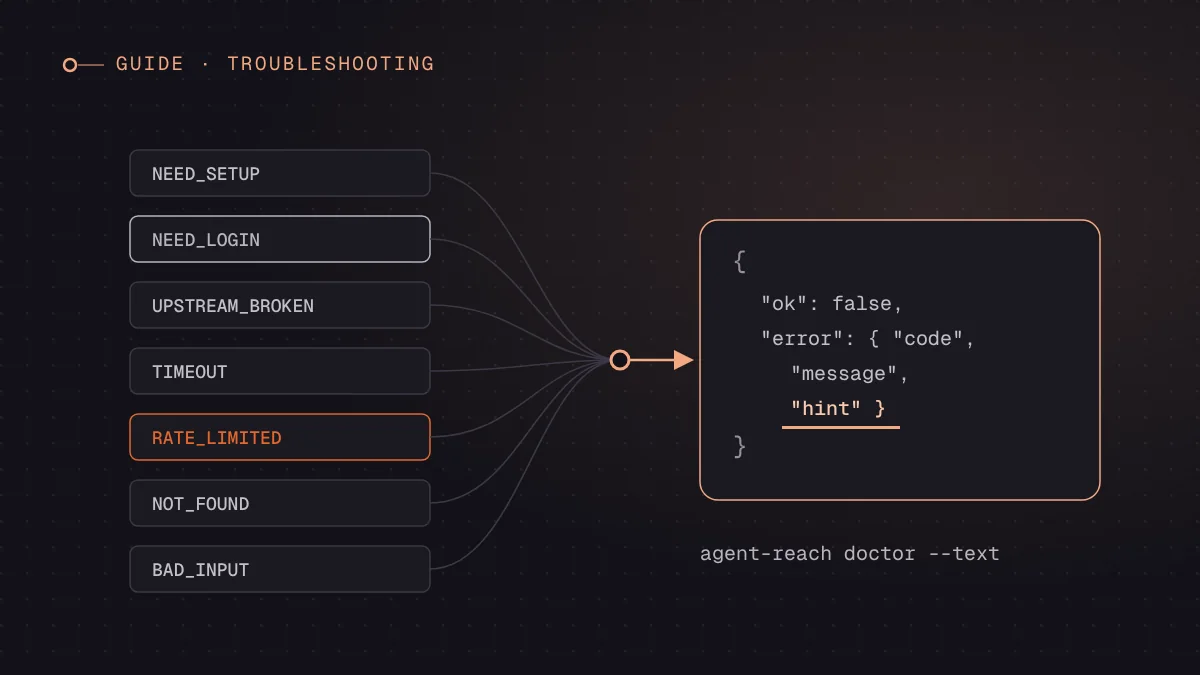
AgentReach error codes explained, and how to fix each one
Every error code and doctor status, what it means and the command that fixes it.
- Read code
- Follow hint
- Check channel
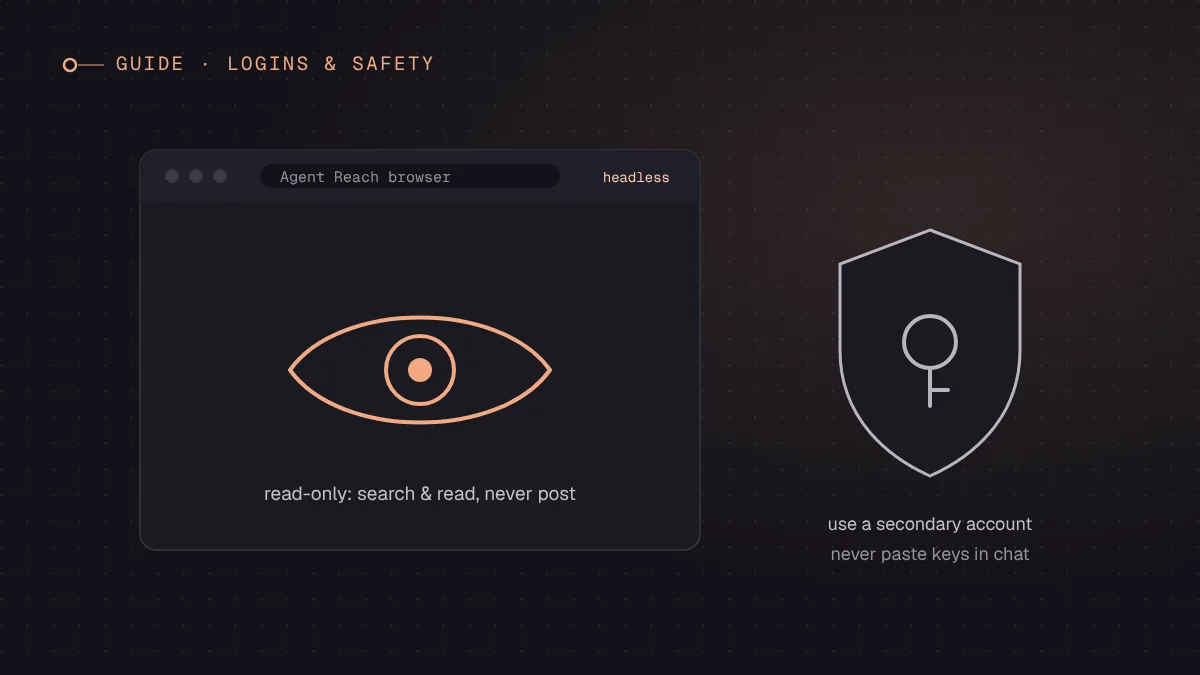
How AgentReach handles logins, and how to keep your accounts safe
The dedicated browser, read-only behaviour, key handling and why your main account is not the best choice.
- Dedicated browser
- You sign in
- Use secondary account
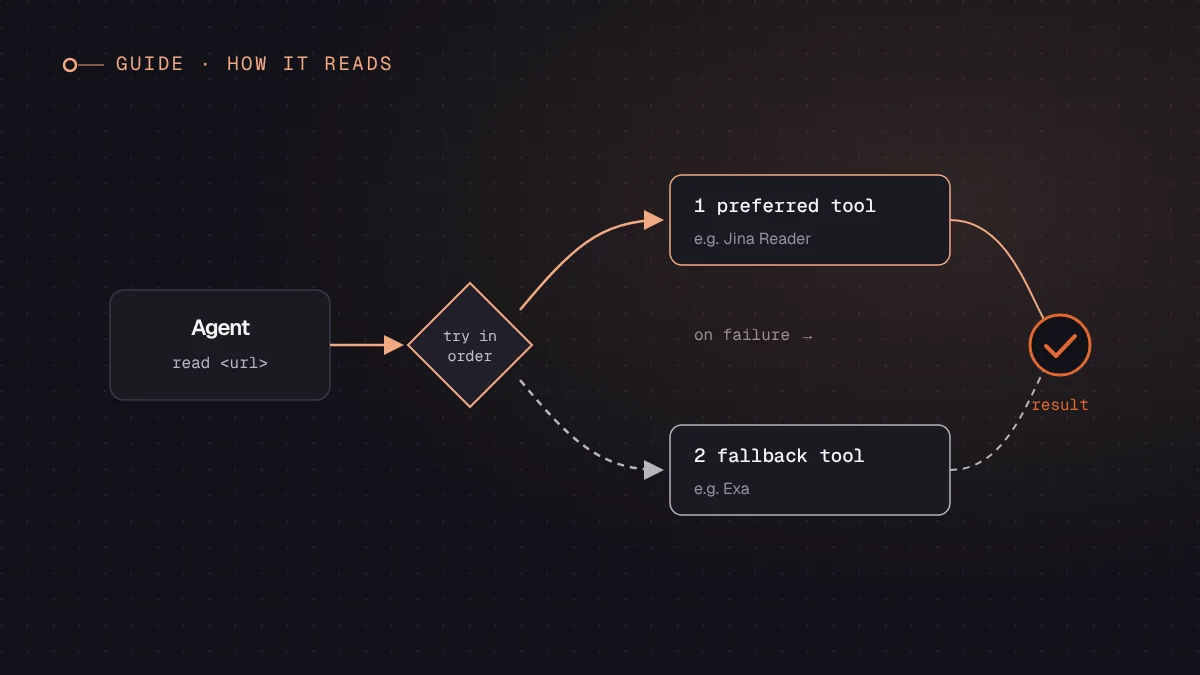
Is AgentReach a scraper? How it actually reads platforms
What separates AgentReach from a scraping framework, how its tool chains work, and where responsibility sits.
- Upstream tools
- Ordered fallback
- Read-only
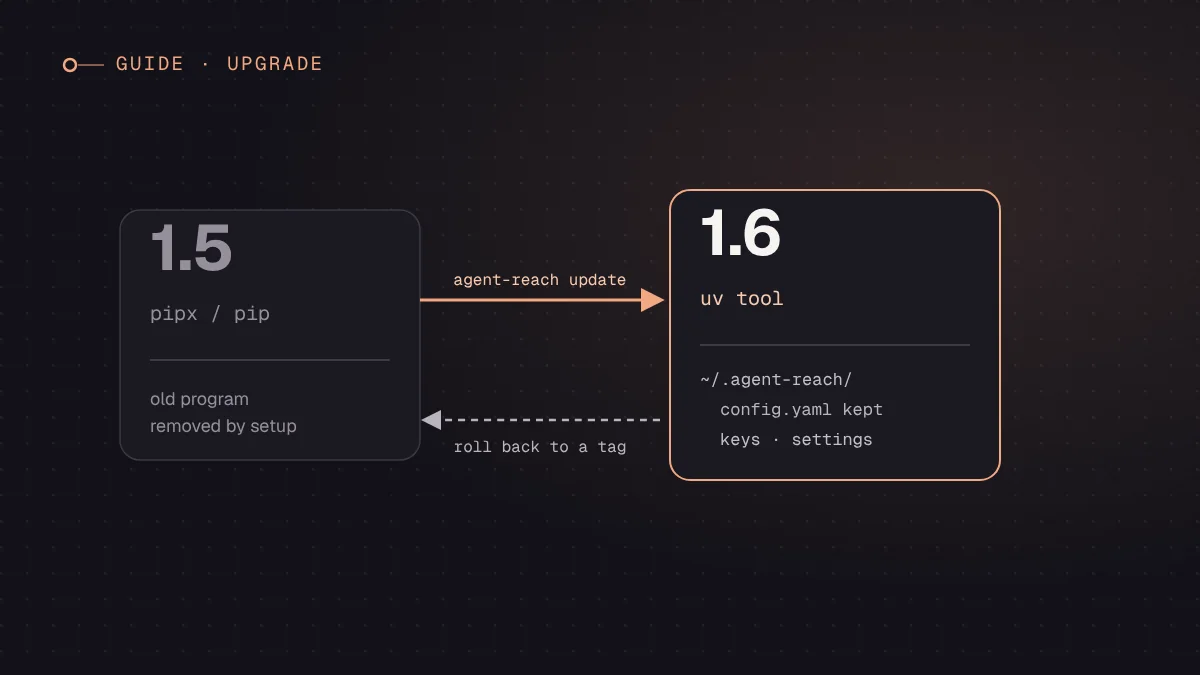
Upgrading AgentReach from 1.5 to 1.6, and rolling back safely
Moving from pipx to uv, keeping your keys and settings, and going back to an earlier tag if something breaks.
- Check version
- Install 1.6
- Run setup
Ready to try it? The 1.6.0 source archive and setup steps are on the homepage.
Download Now