Upgrade
Upgrading AgentReach from 1.5 to 1.6, and rolling back safely
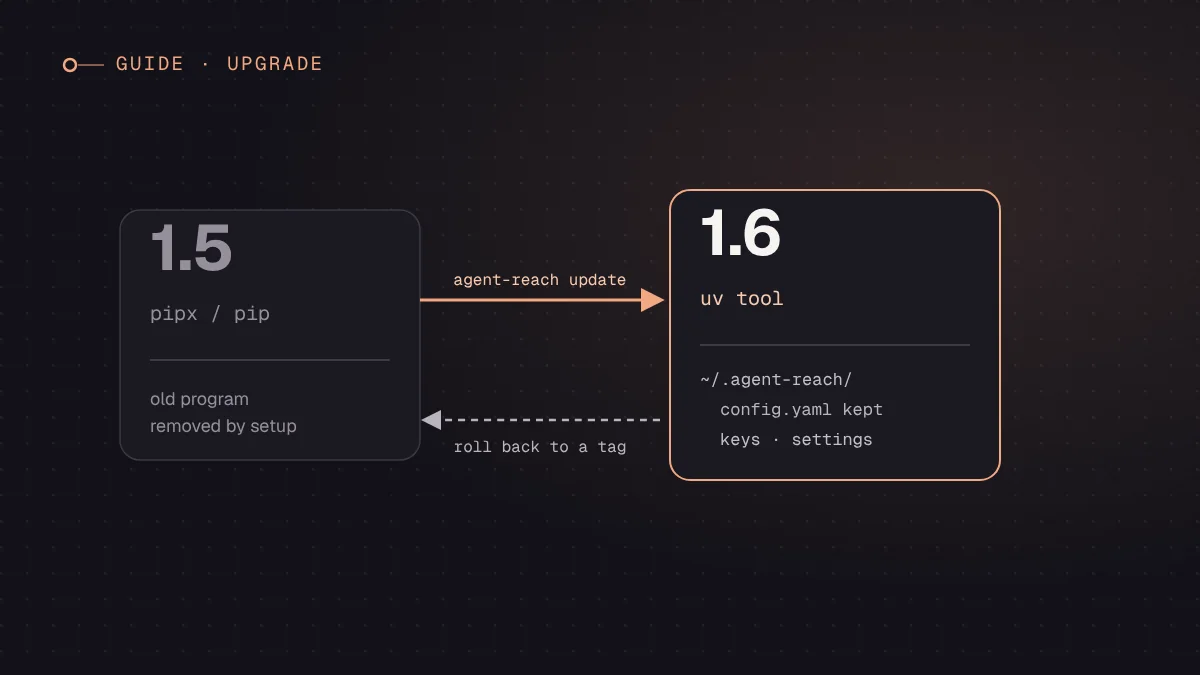
The route in brief
- Run
agent-reach version: a plain text line means 1.5 or earlier, JSON means 1.6+. - Install uv, then install 1.6 with
uv tool install --forceand the release URL. - Open a new shell and run
agent-reach setup; your keys and settings are kept. - Later:
agent-reach updateto upgrade, or install a previous tag to roll back.
Version 1.6 of AgentReach is a rebuild. It moves from pipx or pip to uv, puts everything under one folder, and changes how agents call it. The upgrade is designed to be painless, and your keys and settings carry over, but it helps to know what is happening. This guide covers the move from 1.5, routine updates afterwards, and how to roll back if a release causes trouble.
What changes in 1.6
From the project’s changelog, the changes that affect you most:
- A new installer. 1.6 is installed with uv. Version 1.5 was installed with pipx or pip.
- One command. Agents call
agent-reach, withagent-reach <channel> <action>,read <url>andchannels. Each call prints one JSON object. - One folder. Everything AgentReach installs or stores lives under
~/.agent-reach/. - A dedicated browser. Login platforms such as XiaoHongShu and X use AgentReach’s own background browser instead of yours.
- Web merges. RSS and Exa search are now part of the “web” channel.
Check which version you have
agent-reach version- Prints a JSON object: you are on 1.6 or later. Skip to routine updates.
- Prints a plain line such as
Agent Reach v1.5.0: follow the upgrade below. - Command not found: you don’t have it yet. Use the install guide.
Upgrading from 1.5 or earlier
The one-sentence way
If your agent can run commands, send it the same line used for fresh installs:
Install Agent Reach: https://raw.githubusercontent.com/Panniantong/Agent-Reach/main/docs/install.mdThe guide it fetches checks your version first and follows the upgrade path automatically.
The manual way
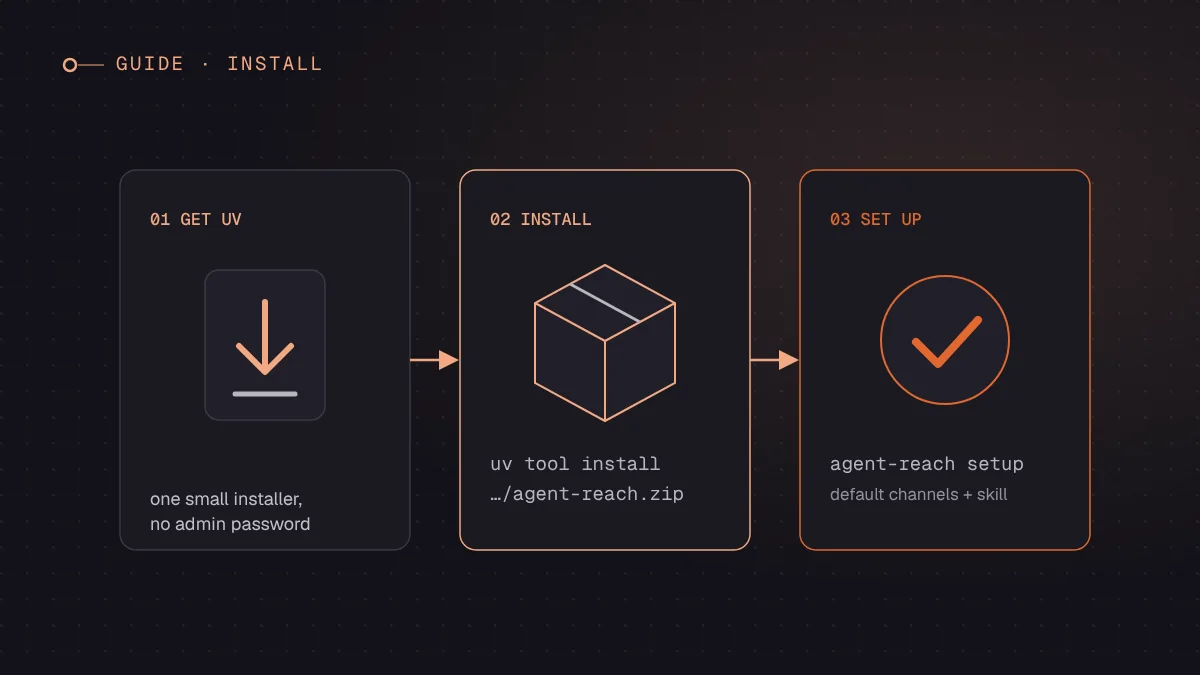
- Install uv if
uv --versionfails. The commands for each system are in the install guide. - Install 1.6, forcing over the old version:
uv tool install --force https://github.com/Panniantong/Agent-Reach/releases/latest/download/agent-reach.zip - Open a new shell and run
agent-reach version. It should print JSON. If it still prints the old line, runuv tool update-shell, open another new shell and check again. - Run setup:
agent-reach setup
Setup keeps ~/.agent-reach/config.yaml, removes the old AgentReach program (only AgentReach itself, never your other tools) and refreshes the skill for every agent. Its installation report explains what was kept, what changed and which channels you used before that you can add back.
Already ran agent-reach update on a pip or pipx install? From 1.6, update moves that install to uv by itself, keeping your channels, keys and logins.
After the upgrade
Run agent-reach doctor --text to see which channels work. Default channels (web, YouTube, GitHub, V2EX, Bilibili) are switched on by setup. If you used optional channels before, the report lists them; add each one back with agent-reach add <channel>.
Login channels now use the dedicated browser, so you may need to sign in again with agent-reach login <channel>. Our logins guide explains how that browser works.
Routine updates
agent-reach updateThis upgrades the program, every added channel’s tools and the skill in one go. Tools with a tested version stay pinned to it; others move to the newest version within their supported range. Default channels you removed stay removed. When a new version is out, the changelog says your agent explains the changes in plain words and updates only if you agree.
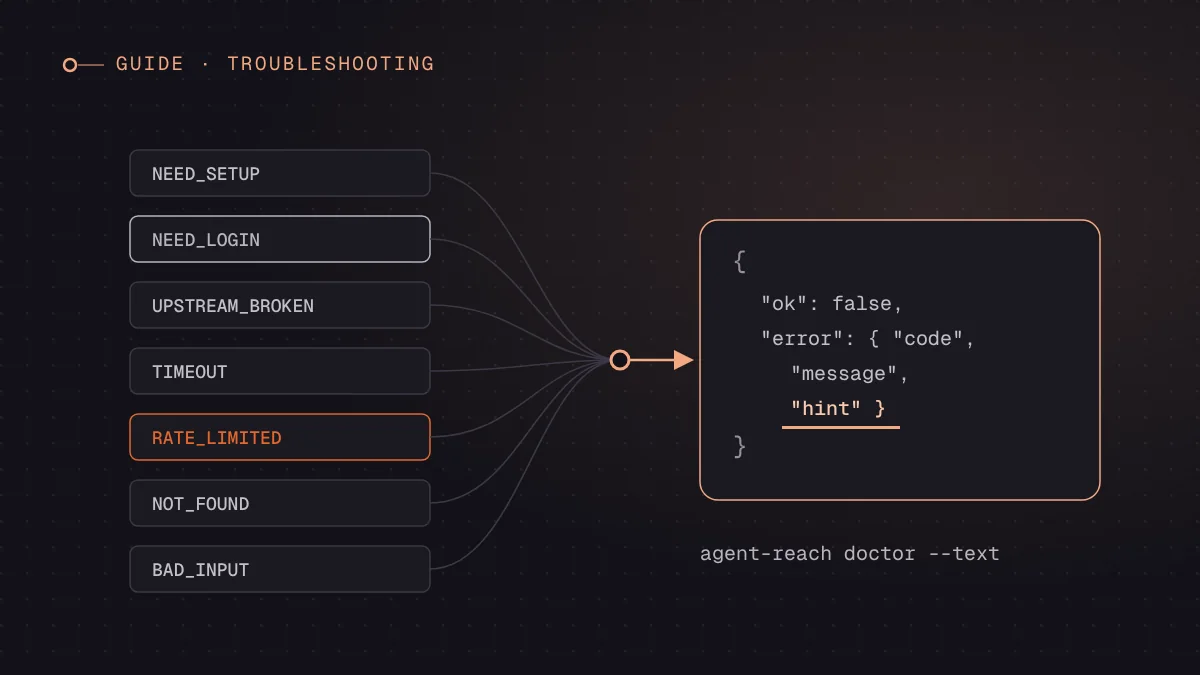
If an update fails, error.hint contains the exact command to run next.
Rolling back
If a new release breaks something you rely on, go back to the previous one and line the tools and skill up with it:
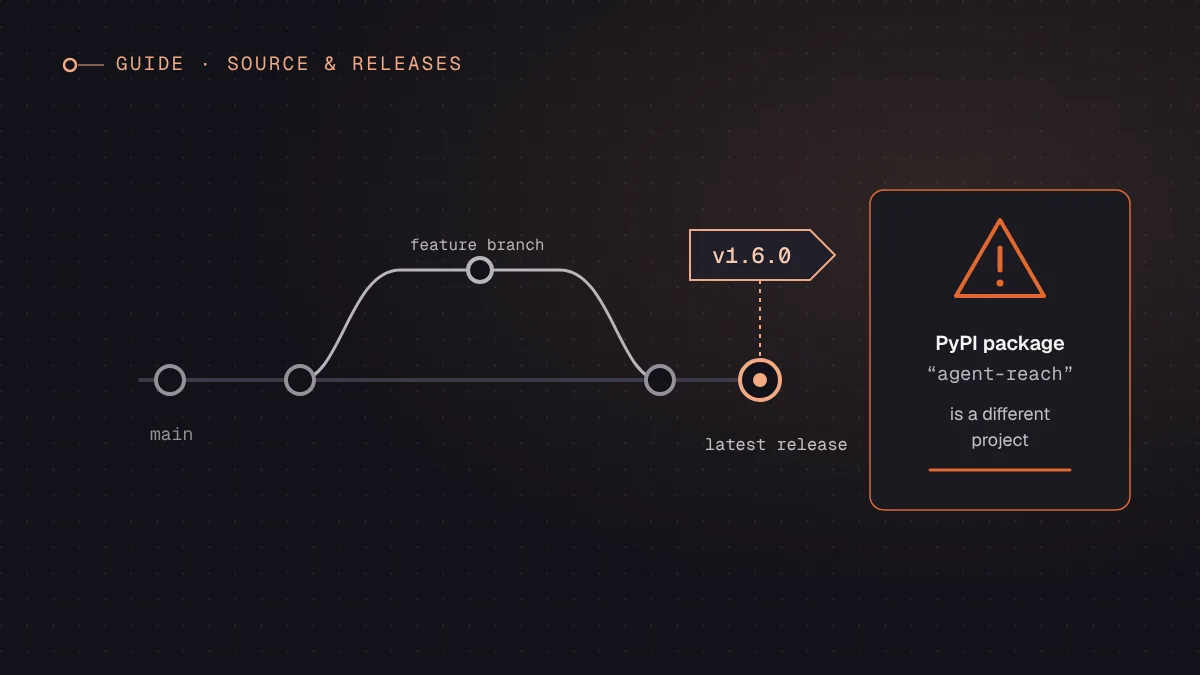
uv tool install --force https://github.com/Panniantong/Agent-Reach/archive/refs/tags/v<previous>.zip
agent-reach update --sync-only
Replace <previous> with the version you want, such as a tag listed on the project’s releases page. Our GitHub guide explains how releases and tags fit together.
Removed default channels stay removed across rollbacks and updates. agent-reach add <channel> brings one back.
Common upgrade snags
| Symptom | Likely cause | Fix |
|---|---|---|
| Still prints the old version line | Shell is using the old pipx/pip copy | uv tool update-shell, then a new shell |
A channel shows needs_login | Logins moved to the dedicated browser | agent-reach login <channel> |
| An old channel is missing | Optional channels need re-adding | agent-reach add <channel> |
| Agent doesn’t use AgentReach | Skill not refreshed or agent not restarted | Rerun setup, restart the agent |
For anything else, the error codes guide walks through every code and doctor status.