Video
Reading YouTube and Bilibili subtitles with AgentReach, plus speech-to-text
The route in brief
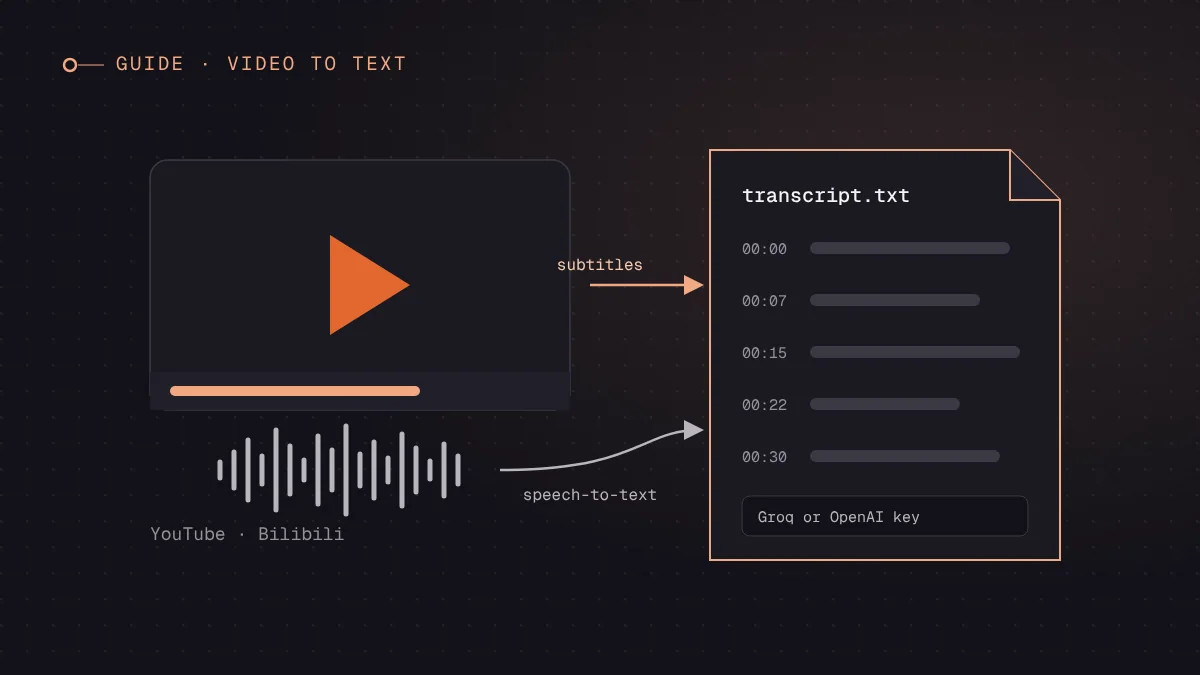
- YouTube subtitles work straight after install; no key or login is needed.
- Bilibili search and video info work by default; its subtitles need a Bilibili login (QR scan).
- No subtitles? Speech-to-text needs a Groq or OpenAI key, entered in your own terminal.
- Xiaoyuzhou podcasts are transcribed through an optional channel with a Groq key.
One of the four gaps AgentReach was built to close is “what’s inside video”. Agents can usually fetch a video page, but the page tells them almost nothing about what was said. This guide explains how AgentReach gets subtitles from YouTube and Bilibili, when it falls back to transcription, and what each path needs from you.
Why subtitles matter to an agent
A video page’s HTML holds a title, a description and maybe some comments. The useful content, the talk itself, is in the audio. Subtitles turn that audio into text an agent can read, quote and summarise, which is far cheaper and faster than processing the video.
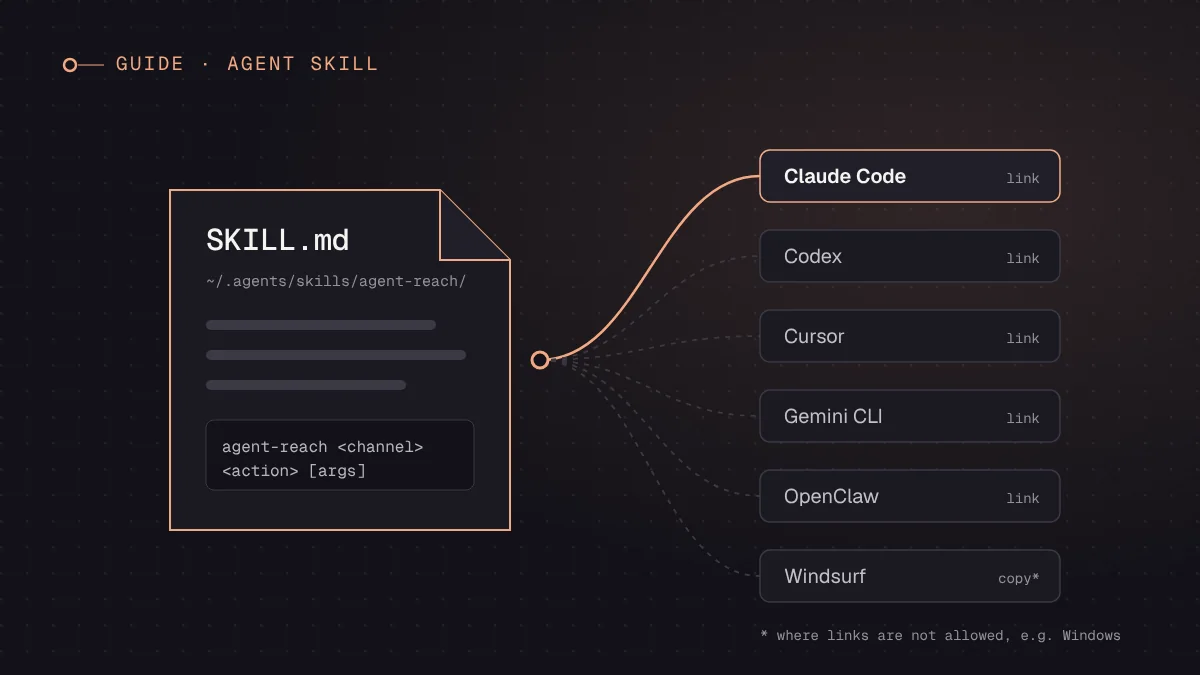
AgentReach treats this as part of the YouTube and Bilibili channels, both of which are switched on by agent-reach setup.
YouTube: subtitles out of the box
The YouTube channel covers video info, search, subtitles and speech-to-text. The first three need nothing extra. Under the hood, AgentReach relies on the widely used yt-dlp project, which it installs at a tested version.
You will usually just ask your agent:
- “Get the subtitles for this YouTube video and summarise the argument.”
- “Search YouTube for talks on LLM agents from this year and list the speakers.”
Your agent might run agent-reach youtube search "LLM agents", or hand the link to agent-reach read <url>, which picks the YouTube channel from the URL. Run agent-reach channels for the exact action names your version supports.
Subtitles versus a list of tracks
A list of available subtitle tracks is not the same as the subtitle text. AgentReach’s skill asks agents to say which one they actually have, so if your agent reports “English and auto-generated tracks are available”, it hasn’t read them yet.
Bilibili: default channel, login for subtitles
Bilibili search, video info and trending lists work without an account. Subtitles are different: they need a Bilibili login, done by scanning a QR code. Reading a Bilibili video tries the bili-cli tool first and falls back to Bilibili’s public API if that fails.
When subtitles need a login you don’t have yet, 1.6 reports NEED_LOGIN rather than a vague upstream error, so the next step is clear:
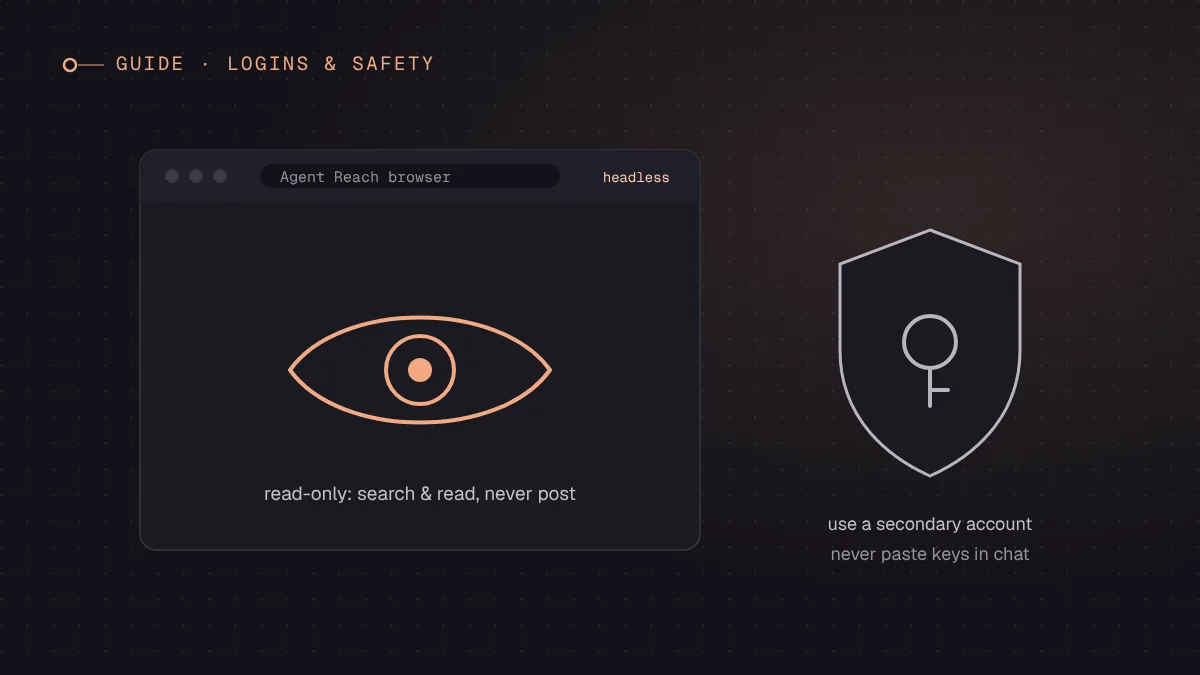
agent-reach login bilibiliOur logins and safety guide explains how AgentReach keeps those sessions separate from your everyday browser.
No subtitles? Speech-to-text
Plenty of videos have no subtitles at all. For YouTube, AgentReach can transcribe the audio, but this needs an API key from Groq or OpenAI, since the transcription runs on their services.
Enter the key in your own terminal, never in a chat with your agent:
agent-reach configure groq-keyThe prompt hides what you type. Once a key is configured, your agent can ask for a transcript when subtitles are missing. Transcription costs and limits are set by the provider you choose, so check their pricing before running long videos.
Temporary audio and subtitle files are kept inside AgentReach’s own folder rather than scattered around your system, according to the 1.6 changelog.
Podcasts: the Xiaoyuzhou channel
Xiaoyuzhou, a Chinese podcast platform, has an optional channel whose job is transcription. It needs a Groq key. Add it with:
agent-reach add xiaoyuzhou
agent-reach configure groq-key
The 1.6 release notes say Xiaoyuzhou was not verified on the release machine because no key was configured there. If you run into trouble, agent-reach check xiaoyuzhou --text will show what is happening.
Which path does what
| Source | Subtitles | Transcription | Needs |
|---|---|---|---|
| YouTube | Yes | Yes | Nothing for subtitles; Groq or OpenAI key for transcription |
| Bilibili | Yes | Not listed | Bilibili login (QR scan) for subtitles |
| Xiaoyuzhou | n/a | Yes | Optional channel plus a Groq key |
Tips for better summaries
- Ask for subtitles first, transcription second. It’s faster, free, and usually more accurate when human-made subtitles exist.
- Ask the agent to quote timestamps when it makes claims about a long talk, so you can check them.
- For Chinese-language content, say which language you want the summary in; the subtitles stay in the original language.
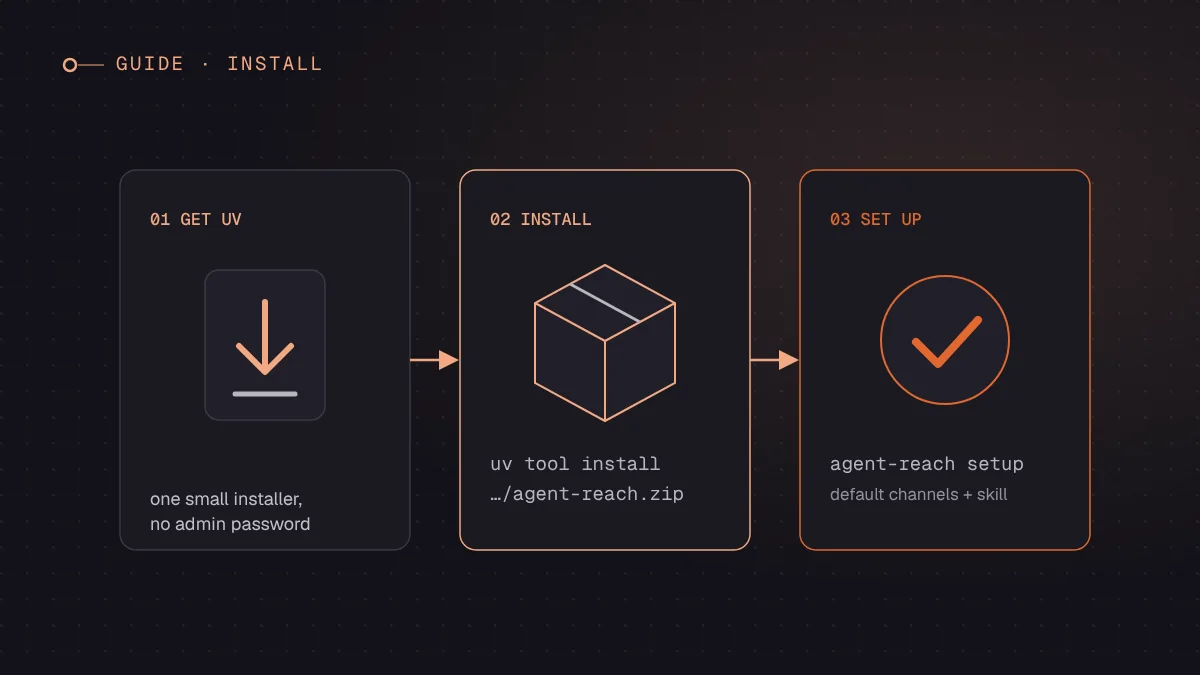
Using Claude Code? See how the AgentReach skill works there. Still need to install? Follow the install guide or grab the archive from the download section.